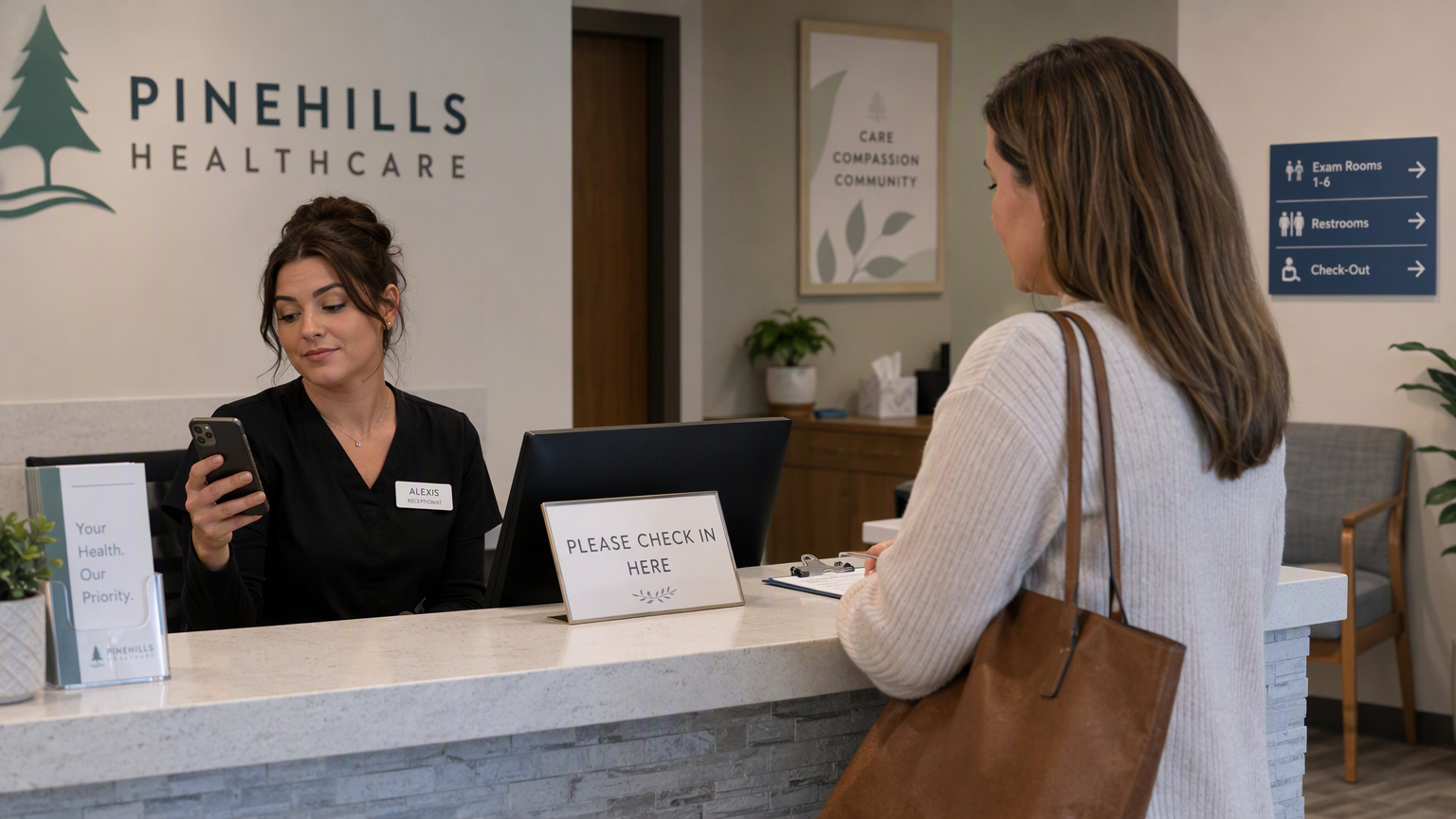
It’s 9:40 on a Monday morning. A patient enquiry from Google Ads sits in an email inbox nobody has checked. Another one, from a Facebook form, is buried in the Meta Ads Manager dashboard. A third called the front desk, left a voicemail, and hung up before anyone picked up. By the time someone follows up, two of those three have already booked with a different clinic. This is the daily reality for most clinics running ads without a system behind them. Healthcare marketing automation fixes exactly this problem – it connects every enquiry channel to one workflow, so no lead sits unanswered and every patient gets a timely, consistent follow-up.
Table of contents
- What Is Healthcare Marketing Automation?
- Building the Core Automation Workflow
- Tools, Costs and Where Clinics Get Stuck
- Practical Tips and Common Mistakes to Avoid
- Frequently Asked Questions
- Conclusion
What Is Healthcare Marketing Automation?
Healthcare marketing automation is the use of software to capture patient enquiries, route them to the right staff, and trigger follow-up messages automatically, instead of relying on someone to manually check five different inboxes. It covers everything from the moment a patient clicks an ad to the review request sent after their visit.
For clinics, this usually means connecting ad platforms, your website’s enquiry form, and your front-desk system to a central CRM. From there, automated rules handle the repetitive parts: sending a WhatsApp confirmation, scheduling a reminder SMS, or flagging a lead that hasn’t been contacted in an hour. The clinic staff still make the calls and see the patients. The system just makes sure nothing falls through.
Building the Core Automation Workflow
A working setup for a clinic has three parts: capturing leads in one place, following up automatically, and bringing patients back for repeat visits. Each piece removes a specific point where clinics currently lose patients.
Lead Capture and Routing
Every enquiry source – Google Ads call extensions, Meta lead forms, and your website contact form – should feed into a single CRM instead of separate dashboards. This is the foundation of most marketing automation for clinics setups, because attribution and follow-up both depend on having one record per patient, not three.
Automated Follow-Up
Patient follow-up automation means the system sends the first response, not a staff member scrambling between tabs. A missed call can trigger an instant SMS. A form submission can trigger a WhatsApp message within minutes.
Appointment Reminders and Recall
Once a patient books, automation handles reminders and brings them back for follow-ups, screenings, or renewals without anyone manually tracking dates.
A typical workflow looks like this:
- Capture: Ad and form leads sync into the CRM within seconds, tagged by source.
- Route: Leads are assigned to a staff member or department automatically, based on service or urgency.
- Respond: An automated SMS or WhatsApp message acknowledges the enquiry immediately, before a human calls.
- Remind: Appointment confirmations and reminders go out 24 hours and 2 hours before the visit.
- Recall: Patients due for a follow-up, test, or renewal get a reminder at the right interval, not a random broadcast.
- Review: A review request goes out a few hours after the visit, while the experience is still fresh.
Tools, Costs and Where Clinics Get Stuck
Most clinics build this with a CRM at the center and an automation layer connecting it to ads, WhatsApp, and email. Common choices include Zoho, HubSpot, and Make.com, each suited to different budgets and technical comfort levels. None is universally “best” – the right pick depends on your patient volume, existing tools, and whether you have someone in-house to maintain workflows.
Comparing the Common Approaches
| Tool type | Best fit | Trade-off |
|---|---|---|
| All-in-one CRM (e.g. Zoho, HubSpot) | Clinics wanting one login for leads, follow-up and reporting | Less flexible for unusual workflows |
| Automation platform (e.g. Make.com) | Clinics connecting multiple existing tools | Needs setup and occasional maintenance |
| Basic spreadsheet + manual calls | Very low enquiry volume | Doesn’t scale past a handful of leads a day |
Where Clinics Usually Get Stuck
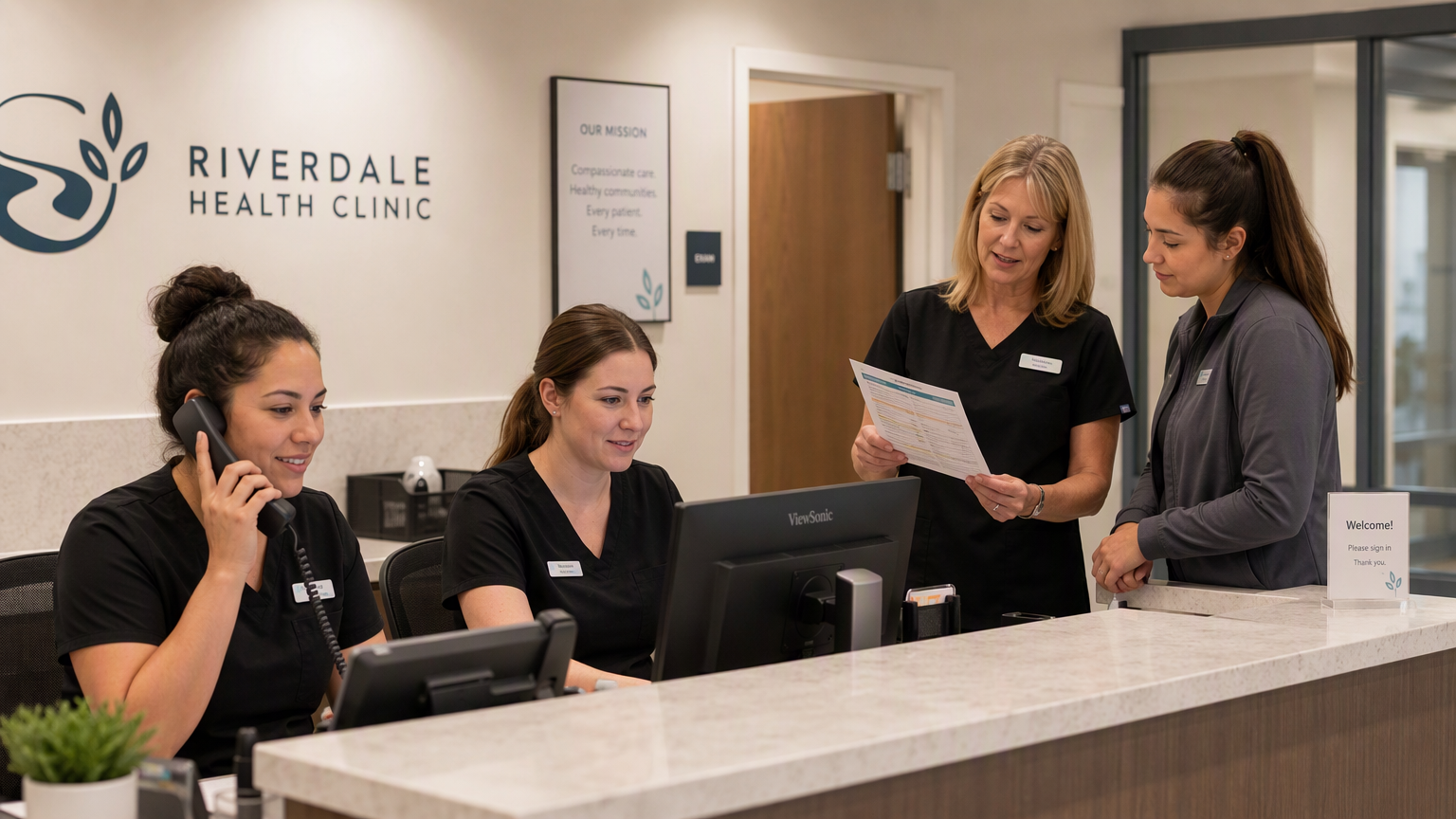
The most common failure point isn’t the software – it’s staff not trusting the automated messages and calling patients anyway, which doubles the workload instead of reducing it. A short internal training session on what the system handles versus what staff still need to do usually solves this within a week or two.
Practical Tips and Common Mistakes to Avoid
- Don’t automate the first human touch entirely. Use automation to respond instantly, but have staff call within the hour for anything beyond a simple confirmation.
- Get consent before messaging. Under India’s DPDP Act, clinics must collect and use patient data with proper consent, and that includes phone numbers used for SMS or WhatsApp follow-up.
- Keep source tags clean. If every lead is tagged “website,” you’ll never know which ad campaign is actually working.
- Test recall timing carefully. A reminder sent too early gets ignored; too late, and the patient has already gone elsewhere.
- Review your CRM data monthly. Automation only stays useful if someone checks that routing rules and message templates still match how the clinic actually operates.
Frequently Asked Questions
Is healthcare marketing automation only for large hospital chains?
No. Small and mid-sized clinics benefit the most, since they often lack a large front-desk team to manually track every enquiry. A basic CRM and automated follow-up sequence can be set up for a single clinic location.
Which CRM for clinics in India works best for WhatsApp follow-up?
A good CRM for clinics India setup should support WhatsApp Business API integration directly or through an automation platform. Zoho and HubSpot both support this through add-ons or connectors like Make.com.
Does patient data used in automation need special handling?
Yes. Under the DPDP Act, clinics must obtain clear consent before storing or messaging patient data, and should limit access to only the staff who need it for follow-up or scheduling.
Conclusion
Manual follow-up doesn’t scale once a clinic runs ads across multiple channels. Healthcare marketing automation closes that gap by capturing every enquiry in one place, responding instantly, and bringing patients back for the visits they actually need – all while keeping patient data handled with proper consent. If you’re ready to see how this works for your clinic’s ad spend and patient volume specifically, explore the Healthcare Growth Engine approach from vinndigital.